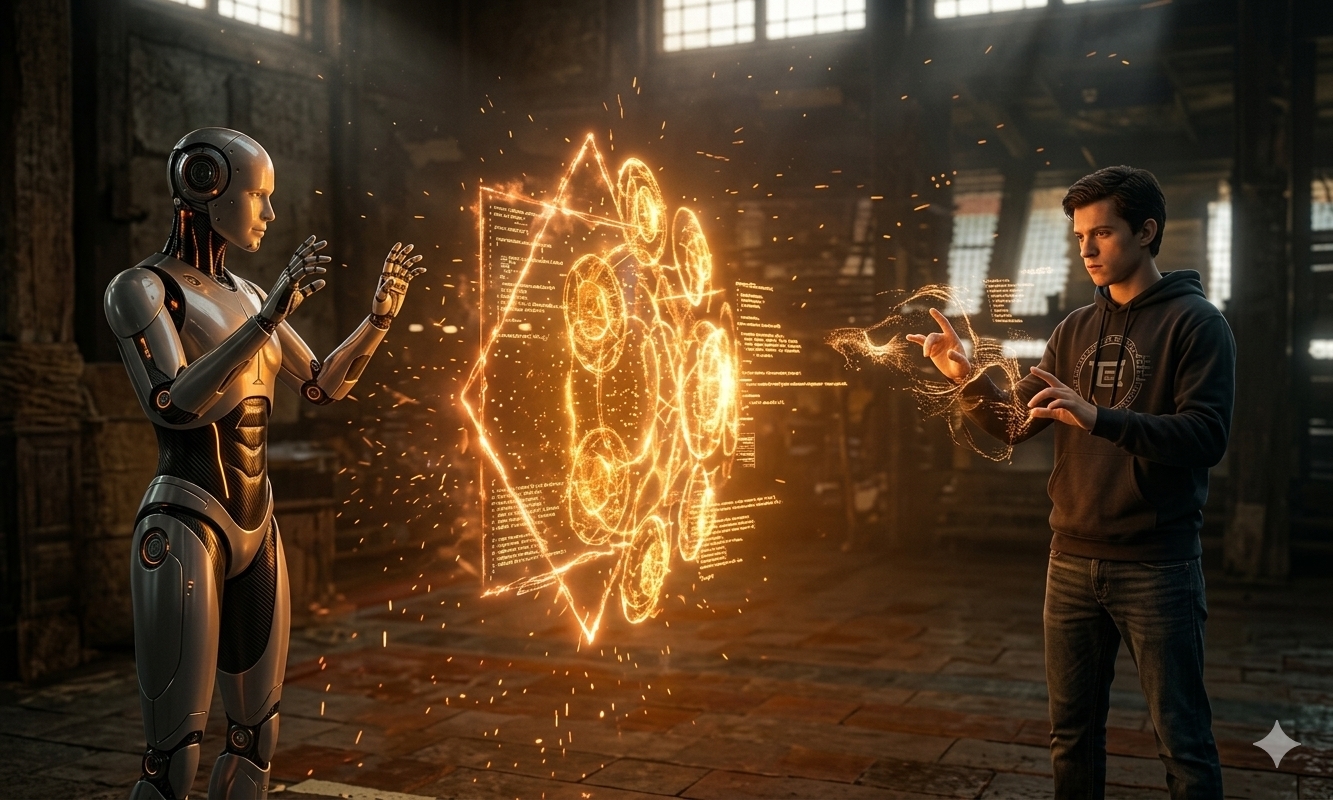
🔮 Interactive Mystic Shield 2
Move the mouse across the canvas and the static shield wakes up: the glow shifts color, the rings breathe, sparks accelerate, and energy tethers respond as if the robot-human scene is alive in real time. Hold the mouse down and the shield turns into a vertical perspective ellipse.
Live Canvas
Move for energy. Hold the mouse down to rotate the shield into perspective.
How the Illusion Works
The base image is drawn first. The sketch then overlays new geometry directly on top of the static shield: glowing rings, counter-rotating star geometry, satellite circles, energy tethers, and particles. Because the overlay is positioned and colored to match the image, the original shield appears to respond to the novice’s mouse in real time.
The sketch uses blendMode(ADD), HSB color values, eased mouse coordinates,
polar-to-Cartesian spark motion, and a mouseIsPressed perspective scale.
The source panel below shows the known-working p5.js editor version: it runs even
before the base image is uploaded by using a neutral HSB background fallback.
To reconstruct the full image-backed version in the p5.js editor, download the base image,
upload it into an images folder, then uncomment the loadImage() line noted
at the top of the copied source.
- Copy the source below into
sketch.jsin the p5.js editor. - Run it once as-is. It should work immediately with a dark HSB fallback background.
- Download
aiRobotMentoringHuman.jpgfrom this page. - In the p5.js editor’s Sketch Files panel, create an
imagesfolder and upload the image there. - In
preload(), uncommentbgImg = loadImage('images/aiRobotMentoringHuman.jpg');and comment outbgImg = null;.