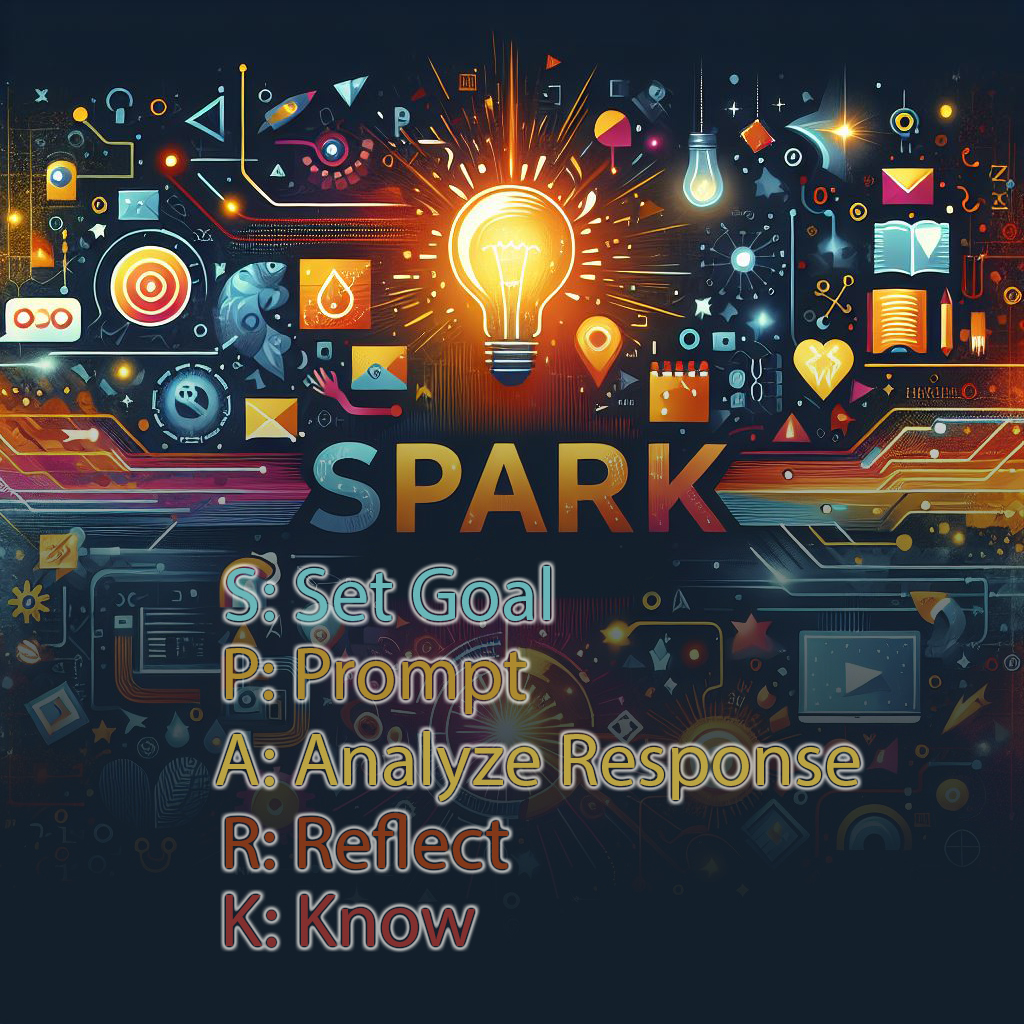
More professionalism with S.P.A.R.K!
In this stage we are attempting to make the page more professional with the inclusion of a favicon and other elements we'll mention soon.
Obviously since this is a game, we need to improve it as well.
Note: All AI responses in this chatlog were generated using the GPT-4.1 model.
Remember: You can view our previous chatlog at Hangman-Stg2 Chatlog to see past history.
Certainly! Here’s how to add a favicon to your project, plus a brief explanation for your chatlog documentation.
Why Add a Favicon?
A favicon (short for "favorite icon") is the small image that appears in the browser tab next to your page title. It helps users quickly identify your site among many open tabs or bookmarks, adds a professional touch, and strengthens your site’s branding.
How to Add a Favicon
- Place your favicon image (e.g.,
favicon.png) in yourimagesfolder. - Add this line inside your
<head>section (preferably after your<title>tag):
<link rel="icon" type="image/png" href="images/favicon.png">
If your favicon is .ico, use type="image/x-icon" and href="images/favicon.ico".
Example Chatlog Entry
User: How do we add a favicon to our Hangman Saga project?
Copilot: A favicon is a small icon that appears in the browser tab. It helps users recognize your site and adds a professional touch. To add one, place your favicon image in the images folder and add a <link rel="icon" ...> tag in your HTML <head>. For example:
<link rel="icon" type="image/png" href="images/favicon.png">Certainly! To document our dialogs, we can simply copy and paste the relevant sections between the 'start' and 'end' comments in this HTML file. This way, we keep a record of our conversation and the evolution of our Hangman Saga project.
Current Dialogs:
User: This is Stage 3 in our Hangman Saga. Would you please write the necessary code to put a favicon in the browser tab? I have the image in our images folder. Remember, we will be documenting our adventure here, so I've included a chatlog for this stage, and this will be our first entry. Please include the reasoning behind having a favicon in a design. Note the necessary styles in the chatlog document
Copilot: Certainly! Here’s how to add a favicon to your project, plus a brief explanation for your chatlog documentation.
What is a 'hardcoded-credentials' vulnerability?
A hardcoded-credentials vulnerability happens when sensitive information—like usernames, passwords, API keys, or tokens—is written directly into your source code. This is risky because anyone with access to your code (including public repositories) can see and misuse these credentials.
How do I fix it?
- Never store passwords or API keys in your HTML, JavaScript, or CSS files.
- Use environment variables or secure server-side storage for sensitive data.
- For web apps, keep secrets on the server and never expose them to the browser.
- If you accidentally commit credentials, revoke and rotate them immediately and remove them from your codebase.
Example: Instead of const password = "mySecret123"; in your JS, store secrets in a secure location and access them only on the server.
Certainly! Here’s the code for a Stage 3 card to add to your index page:
<div class="col-md-6 col-lg-4">
    <div class="card stage-card shadow h-100">
        <div class="card-body d-flex flex-column">
            <h5 class="card-title">Stage 3: Professional Touches and Improved Game Play</h5>
            <p class="card-text flex-grow-1">
                This stage introduces a professional favicon, improved documentation, and enhanced game play features. Explore the chatlog to see our design decisions and security best practices as we continue our Hangman coding adventure!
            </p>
            <ul>
                <li><a href="hangmanChatlogStg3.html">Chat Log</a></li>
                <!-- Add more Stage 3 resources here as needed -->
            </ul>
            <a href="hangmanStg3.html" class="btn btn-warning mt-auto">Play Stage 3</a>
        </div>
    </div>
</div>
Add this card to your hangmanIndex.html file alongside the other stage cards.
Certainly! Here’s what was done:
- The main game play content was wrapped in a
<div id="gameContent">and initially hidden withstyle="display:none;". - A
<p id="loadingPara">was added above the game content to display a "Loading, please wait..." message while the page loads. - When the DOM is fully loaded, JavaScript sets
gameContentto visible and hidesloadingPara, ensuring users see a loading message until everything is ready.
This improves user experience by preventing partially rendered game elements from appearing before the page is ready.
<p id="loadingPara" class="text-muted">Loading, please wait...</p>
<div id="gameContent" style="display:none;">
    ...game content...
</div>
<script>
window.addEventListener('DOMContentLoaded', function() {
    document.getElementById('gameContent').style.display = '';
    document.getElementById('loadingPara').style.display = 'none';
});
</script>
Yes, you can add a 2-second delay to show the loading message for dramatic effect. Here’s how you can do it:
<script>
window.addEventListener('DOMContentLoaded', function() {
    setTimeout(function() {
        document.getElementById('gameContent').style.display = '';
        document.getElementById('loadingPara').style.display = 'none';
    }, 2000);
});
</script>
Is this a good idea?
Adding a short delay can create suspense and make the game feel more dramatic, which is fun for demos or classroom use. However, for regular users, artificial delays can be frustrating—people usually prefer content to load as quickly as possible. For your project, it’s fine as a teaching or dramatic tool, but in production, it’s best to avoid unnecessary delays.
The current word list theme is "Programming & Technology".
Here are 10 more words that fit this theme (but for our project, we’ll only use those relevant to our code):
ALGORITHM, VARIABLE, FUNCTION, OBJECT, SYNTAX, ARRAY, DEBUGGING
The theme is now set as Hangman Technology and is stored in a theme variable. The words array only includes terms relevant to our current program. To help the user, the theme is displayed above the word blanks using the updateThemeDisplay() function, which is called at the start of each game.
// Theme for the current word list
const theme = "Hangman Technology";

// List of possible words (all related to our current program)
const words = [
    "JAVASCRIPT", "BOOTSTRAP", "PROGRAM", "HANGMAN", "COMPUTER",
    "ALGORITHM", "VARIABLE", "FUNCTION", "OBJECT", "SYNTAX",
    "ARRAY", "DEBUGGING"
];

// --- Display the theme above the word blanks ---
function updateThemeDisplay() {
    let themeDiv = document.getElementById("themeDisplay");
    if (!themeDiv) {
        themeDiv = document.createElement("div");
        themeDiv.id = "themeDisplay";
        themeDiv.className = "text-center mb-2 fw-bold";
        const wordDisplay = document.getElementById("wordDisplay");
        wordDisplay.parentNode.insertBefore(themeDiv, wordDisplay);
    }
    // Show theme and word length
    themeDiv.innerHTML = `Theme: ${theme}<br>Word length: ${selectedWord.length}`;
}

// --- Display the word with underscores and guessed letters ---
function updateWordDisplay() {
    let display = "";
    for (let letter of selectedWord) {
        if (guessedLetters.includes(letter)) {
            display += letter + " ";
        } else {
            display += "_ ";
        }
    }
    document.getElementById("wordDisplay").textContent = display.trim();
}
Summary of changes:
- Added a
themevariable ("Hangman Technology"). - Updated the
wordsarray to only include terms relevant to your current program. - Added
updateThemeDisplay()to show the theme and word length above the word blanks. - Called
updateThemeDisplay()instartGame()so the theme is always shown.
For a playful word game like Hangman, I recommend using Google Fonts that are fun, friendly, and highly readable. Here are some great choices:
- Fredoka – Rounded, bold, and playful. Great for headings and game elements.
<link href="https://fonts.googleapis.com/css2?family=Fredoka:wght@400;700&display=swap" rel="stylesheet"> - Baloo 2 – Chunky, rounded, and very approachable.
<link href="https://fonts.googleapis.com/css2?family=Baloo+2:wght@400;700&display=swap" rel="stylesheet"> - Luckiest Guy – Comic-style, energetic, and perfect for a game title.
<link href="https://fonts.googleapis.com/css2?family=Luckiest+Guy&display=swap" rel="stylesheet"> - Quicksand – Clean, rounded, and modern. Good for body text and buttons.
<link href="https://fonts.googleapis.com/css2?family=Quicksand:wght@400;700&display=swap" rel="stylesheet"> - Comic Neue – A modern, friendly take on the classic comic font.
<link href="https://fonts.googleapis.com/css2?family=Comic+Neue:wght@400;700&display=swap" rel="stylesheet">
Example combo:
Use Luckiest Guy for your main title/headings and Fredoka or Quicksand for body text and UI elements.
How to add (example with Fredoka and Luckiest Guy):
<link href="https://fonts.googleapis.com/css2?family=Fredoka:wght@400;700&family=Luckiest+Guy&display=swap" rel="stylesheet">
<style>
    body { font-family: 'Fredoka', Arial, sans-serif; }
    .hero-title, h1 { font-family: 'Luckiest Guy', cursive; }
</style>
Let me know if you want a specific pairing or want to see how it looks in your code!
Absolutely! Here are the font suggestions, each styled with its actual Google Font for a live preview:
- Fredoka – Rounded, bold, and playful. Great for headings and game elements.
<link href="https://fonts.googleapis.com/css2?family=Fredoka:wght@400;700&display=swap" rel="stylesheet"> - Baloo 2 – Chunky, rounded, and very approachable.
<link href="https://fonts.googleapis.com/css2?family=Baloo+2:wght@400;700&display=swap" rel="stylesheet"> - Luckiest Guy – Comic-style, energetic, and perfect for a game title.
<link href="https://fonts.googleapis.com/css2?family=Luckiest+Guy&display=swap" rel="stylesheet"> - Quicksand – Clean, rounded, and modern. Good for body text and buttons.
<link href="https://fonts.googleapis.com/css2?family=Quicksand:wght@400;700&display=swap" rel="stylesheet"> - Comic Neue – A modern, friendly take on the classic comic font.
<link href="https://fonts.googleapis.com/css2?family=Comic+Neue:wght@400;700&display=swap" rel="stylesheet">
Now you can see how each font looks right in the chatlog!
The font preview classes have been updated to increase the font size by 50% for better visibility. Here’s the CSS used:
.font-fredoka { font-family: 'Fredoka', Arial, sans-serif; font-size: 2.25em; }
.font-baloo { font-family: 'Baloo 2', cursive, sans-serif; font-size: 2.25em; }
.font-luckiest { font-family: 'Luckiest Guy', cursive, sans-serif; font-size: 2.25em; }
.font-quicksand { font-family: 'Quicksand', Arial, sans-serif; font-size: 2.25em; }
.font-comicneue { font-family: 'Comic Neue', cursive, sans-serif; font-size: 2.25em; }
Now each font name in the list appears 50% larger, making it easier to compare and choose your favorite style!
Absolutely! Here’s how we enabled users to provide their own themes and word lists for Hangman:
- Created a new page
userProvidedThemedWords.htmlwith a form for users to enter a theme and a list of words (pre-filled with "Marvel Heroes and Villains" and an alphabetized Marvel character list). - When the form is submitted, the theme and words are saved to
localStorageasuserThemeanduserWords. - The main game checks
localStoragefor these values and uses them if present, otherwise it falls back to the default theme and words. - A "Use my words" link was added to the navigation bar for easy access.
Key localStorage integration code:
// In hangmanScript3.js
let theme = "Hangman Technology";
let words = [
    "JAVASCRIPT", "BOOTSTRAP", "PROGRAM", "HANGMAN", "COMPUTER",
    "ALGORITHM", "VARIABLE", "FUNCTION", "OBJECT", "SYNTAX",
    "ARRAY", "DEBUGGING"
];

// Check for user-provided theme and words
if (localStorage.getItem('userTheme') && localStorage.getItem('userWords')) {
    theme = localStorage.getItem('userTheme');
    try {
        words = JSON.parse(localStorage.getItem('userWords'));
    } catch (e) {
        // fallback to default if parsing fails
    }
}
On the userProvidedThemedWords.html page, the form saves to localStorage like this:
document.getElementById('userWordsForm').addEventListener('submit', function(e) {
    e.preventDefault();
    const theme = document.getElementById('themeInput').value.trim();
    const wordsRaw = document.getElementById('wordsInput').value.trim();
    const words = wordsRaw.split('\n')
        .map(w => w.trim().toUpperCase())
        .filter(w => w.length > 0);
    if (theme && words.length > 0) {
        localStorage.setItem('userTheme', theme);
        localStorage.setItem('userWords', JSON.stringify(words));
        document.getElementById('saveMsg').style.display = '';
    }
});
This allows users to create and play Hangman with their own custom themes and word lists!
The createLetterButtons function was updated to include a button for the space character, represented visually as an underscore (_). This allows users to guess spaces in multi-word phrases from the word bank.
// --- Create letter buttons (A-Z and space) ---
function createLetterButtons() {
    // ...existing code for A-Z...
    // Add a button for space (displayed as underscore)
    const spaceBtn = document.createElement("button");
    spaceBtn.textContent = "_";
    spaceBtn.title = "Space";
    spaceBtn.className = "btn btn-outline-secondary m-1";
    spaceBtn.disabled = guessedLetters.includes(" ") || wrongGuesses.includes(" ");
    spaceBtn.onclick = () => handleGuess(" ");
    container.appendChild(spaceBtn);
}
Now, if a word or phrase contains spaces, users can guess them just like any other letter!
The createLetterButtons function was further updated to include a button for the hyphen (-), in addition to the space character. This allows users to guess hyphens in words or names like "SPIDER-MAN" from the word bank.
// --- Create letter buttons (A-Z, space, and hyphen) ---
function createLetterButtons() {
    // ...existing code for A-Z...
    // Add a button for space (displayed as underscore)
    const spaceBtn = document.createElement("button");
    spaceBtn.textContent = "_";
    spaceBtn.title = "Space";
    spaceBtn.className = "btn btn-outline-secondary m-1";
    spaceBtn.disabled = guessedLetters.includes(" ") || wrongGuesses.includes(" ");
    spaceBtn.onclick = () => handleGuess(" ");
    container.appendChild(spaceBtn);

    // Add a button for hyphen
    const hyphenBtn = document.createElement("button");
    hyphenBtn.textContent = "-";
    hyphenBtn.title = "Hyphen";
    hyphenBtn.className = "btn btn-outline-secondary m-1";
    hyphenBtn.disabled = guessedLetters.includes("-") || wrongGuesses.includes("-");
    hyphenBtn.onclick = () => handleGuess("-");
    container.appendChild(hyphenBtn);
}
Now, if a word or phrase contains spaces or hyphens, users can guess them just like any other letter!
The updateWordDisplay function was updated so that if a missing letter is a space, it is shown as * instead of an underscore. This makes spaces in the answer visible to the player, helping them distinguish between word breaks and regular missing letters.
function updateWordDisplay() {
    let display = "";
    for (let letter of selectedWord) {
        if (guessedLetters.includes(letter)) {
            display += letter + " ";
        } else if (letter === " ") {
            display += "* ";
        } else {
            display += "_ ";
        }
    }
    document.getElementById("wordDisplay").textContent = display.trim();
}
Now, unguessed spaces will appear as * in the word display!
The updateWordDisplay function was updated so that a space remains as an underscore (_) until the user guesses it (by pressing the _ button). Once guessed, the space is shown as * in the word display.
function updateWordDisplay() {
    let display = "";
    for (let letter of selectedWord) {
        if (guessedLetters.includes(letter)) {
            // If the guessed letter is a space, show '*'
            display += (letter === " " ? "* " : letter + " ");
        } else {
            display += "_ ";
        }
    }
    document.getElementById("wordDisplay").textContent = display.trim();
}
Now, spaces are only revealed as * after the user guesses them!