
Notes:
Imagine creating an initial rectangular stripe and then cloning others to the right of it, altering their colors and shifting them to the right, parallel to the original. That would give you TNTStripes! Obviously, they are based on a TNTRectangle.
TNTStripes Features and Usage:
| Primary Attributes: |
4 Parameters:
|
|---|---|
| To Create: |
The example above was created by:
var leftStripeCenter = new TNTPoint(-6, -3);
var leftStripe = new TNTRectangle(leftStripeCenter, 2, 14, yellow, null, 20);
var sackPink = new TNTColor(202, 128, 129, "sackPink");
var sackPink2 = new TNTColor(190, 75, 106, "sackPink2");
var sackGold = new TNTColor(231, 141, 0, "sackGold");
var sackYellow = new TNTColor(221, 171, 22, "sackYellow");
var sackGreen = new TNTColor(28, 104, 60, "sackGreen");
var sackBlue = new TNTColor(119, 171, 187, "sackBlue");
var stripeColors = new Array(sackPink, sackPink2, sackGold, sackYellow, sackGreen, sackBlue);
var numStripes = 6;
var gap = .75;
var myStripes = new TNTStripes(leftStripe, numStripes, gap, stripeColors);
myStripes.drawTNTStripes(context);
|
| To Draw: |
myStripes.drawTNTStripes(context); |
| Comments: |
Note that the info from the left-most stripe supplies the ingredients for all the other stripes! This is a useful feature of OOP: encapsulation! The left stripe's color is supplied as a courtesy, but is (potentially) reassigned when a loop draws all the stripes, including the first. |
| Even More: |
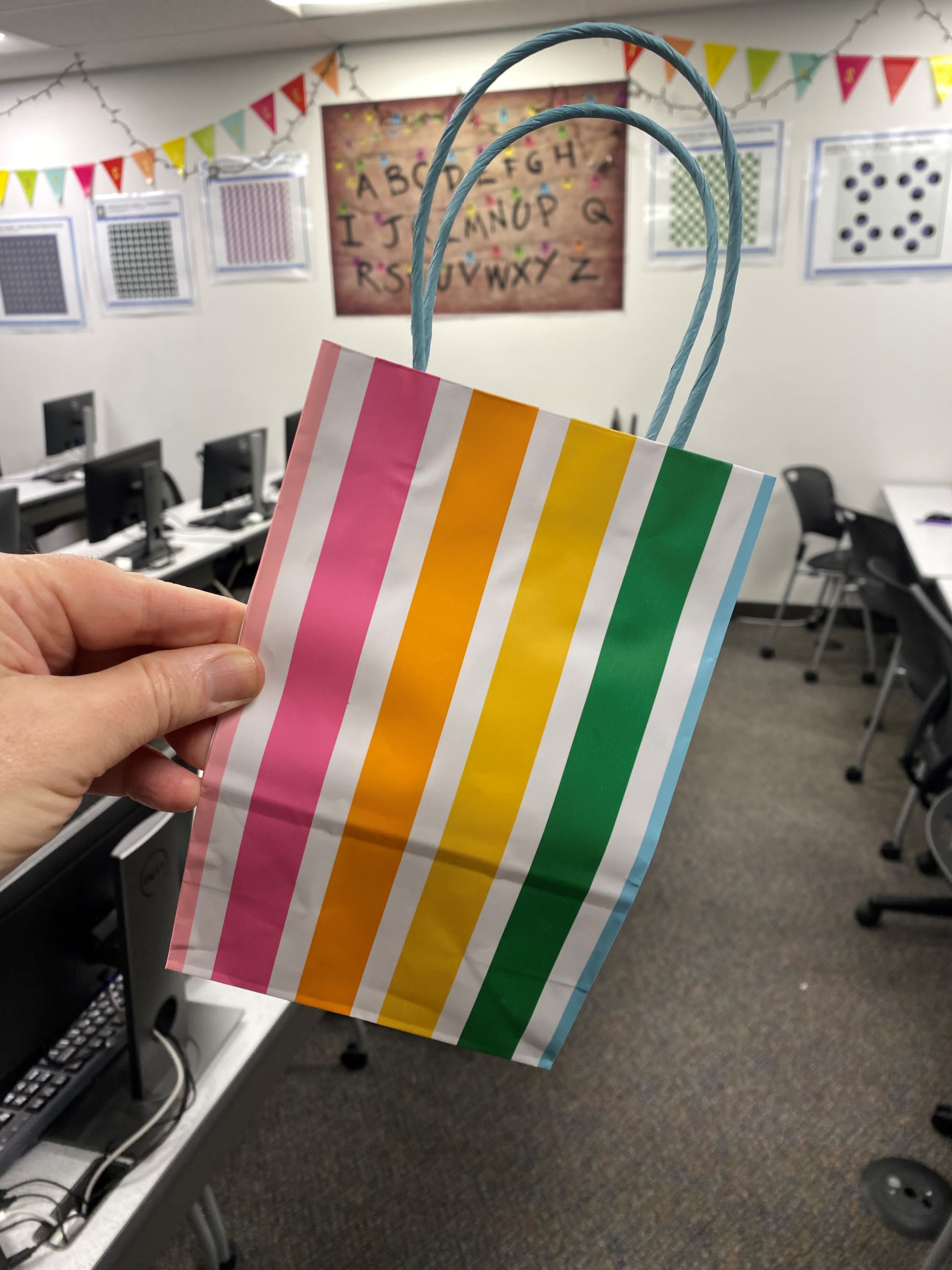
Inspiration comes from the funniest places. This gift sack was found in the hallway and its playful vibrant design made us think: I bet we can design that! For our design we sampled the colors from the sack, hence the names: sackGreen, sackBlue, etc. |