Lightspeed? That sounds like fun!
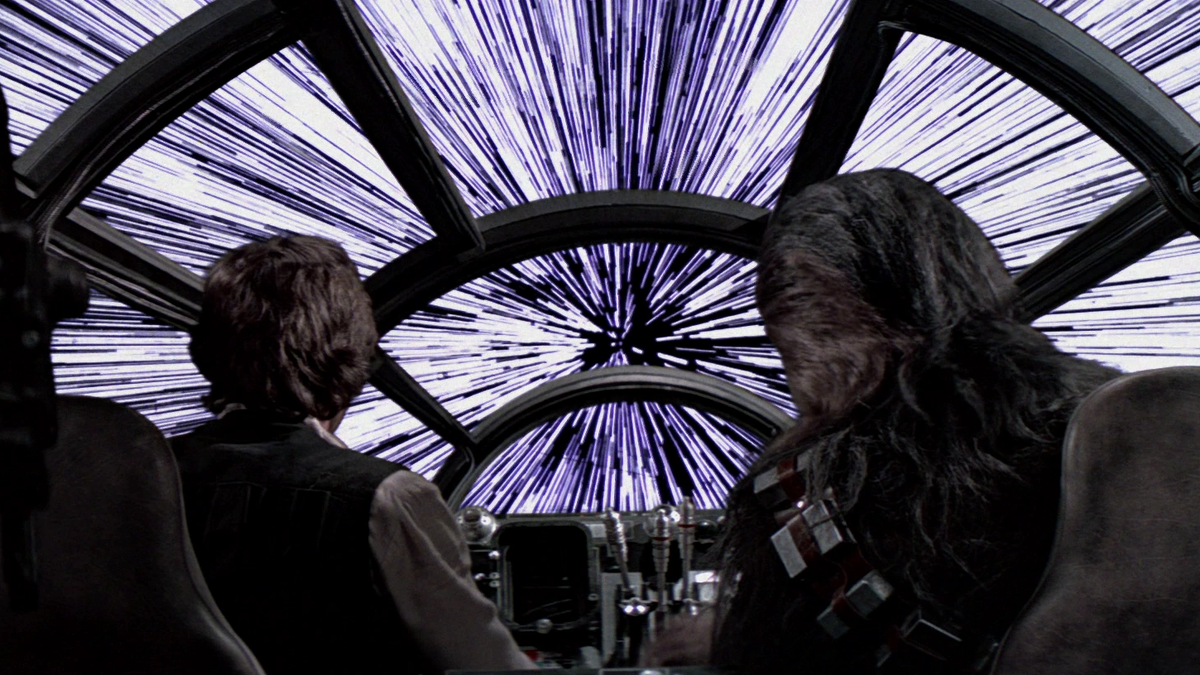
Sci-fi drives a lot of our ideas at TNT and in this app, we were wanting to see if we could come up with a simulation to create the 'look' of space sequences like those found in the 'Star Wars' movies.
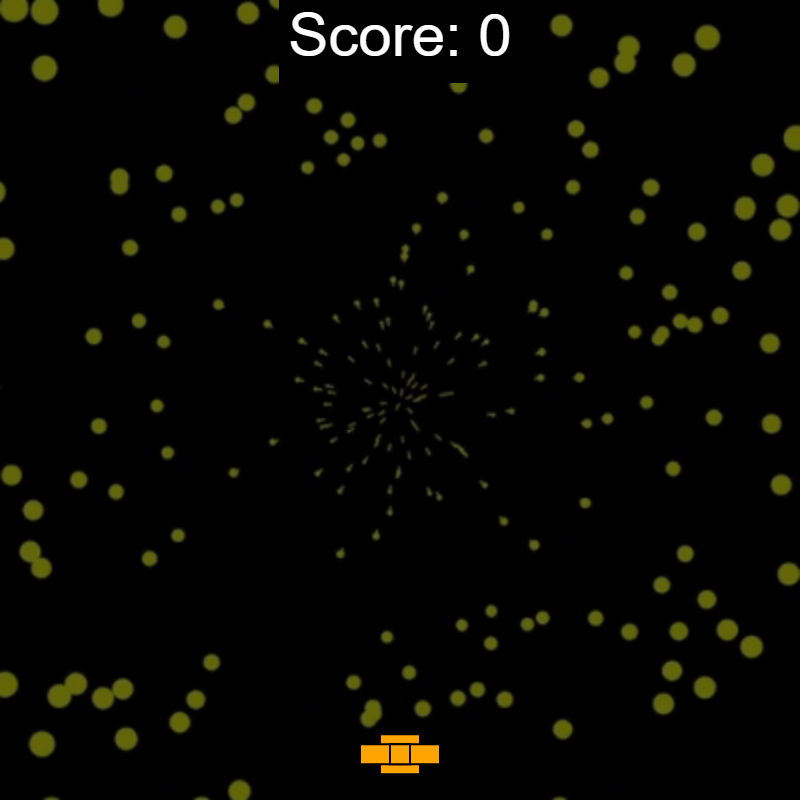
Luca P., one of our novices, even envisioned our final product as a moving background for a 'Vortex Game' that he devised - within the first 2 weeks of school!
Our novices are out of this world!
Styling Luca's 'Vortex Game' is one of our projects in the Web Development class in 2023-24. Visit the saga and play the game!
Explore these features of the 'Radial Starfield' simulation:
- Start/Pause/Continue with a canvas mouse click
- The speed of the stars is controlled by the horizontal mouse placement: left: slower; right, faster!
- You can choose between 100 and 1000 stars in your universe
- The rotation of the stars is controlled by the vertical mouse placement: top: slower; bottom, faster!
- The overall relative speed of the simulation may be controlled with the 'Frame Rate' slider
- A sinusoid controls the hue (color family) of the universe; use the Hue Cycle Rate slider to control the rate of change of color
- Other slider controls in the control panel area control the star saturation and lightness
- The max star size is controlled by the Star radius factor slider
- Buttons can 'toggle' the rotation direction and color cycling
- The canvas color picker can be used to change the background color of the star field
Want some thematic background music? Play a sample from Lost in Space! (Pause it!)
Fun fact: with the 'proper' settings dialed in, you can stare at the starfield and after a few moments, look away at something else like the control panel and it will visibly distort! Try it!
...loading...
Click canvas to start/pause/continue