We've got class! (& so can you! )
### Classes and counting! Click on any card below to learn more and see interactive demos

🎨 SWColor Class
Create and manipulate colors with HSBA color mode with the ability translate to RGB, HSL, or hex values.
📍 SWPoint Class
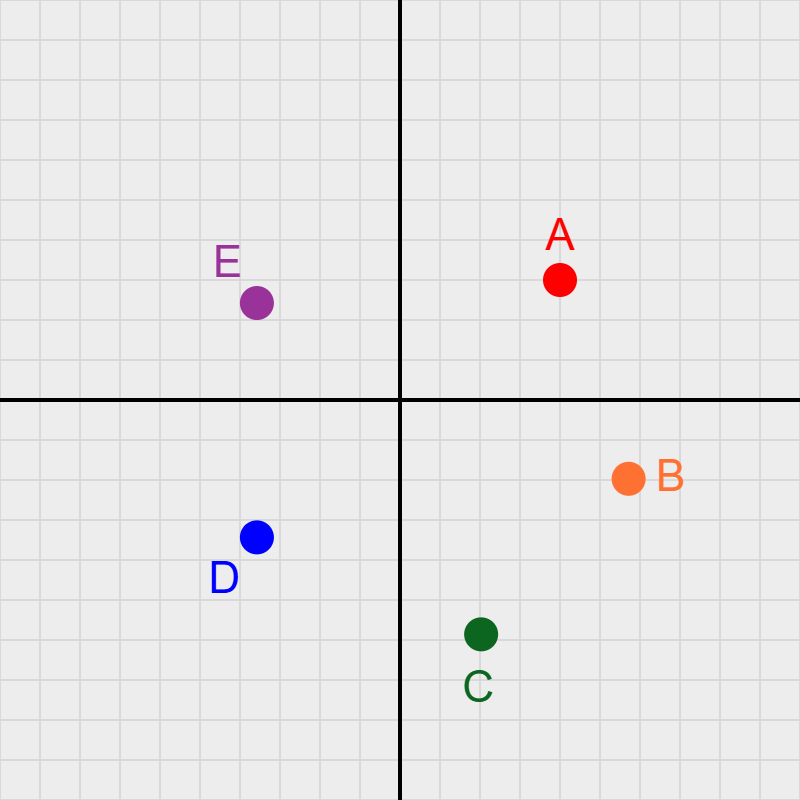
Create and manipulate points in 2D space with customizable colors, sizes, and labels.

📐 SWGrid Class
Add coordinate grids to your sketches for precise positioning and visual reference.

🟢 SWDisk Class
Create and manipulate disks with customizable colors, sizes, positions. Via SWSinusoid, watch them breathe and color cycle.
🍕 SWSector Class
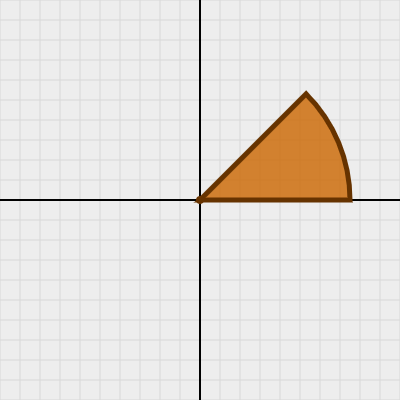
Create and animate pizza-slice sectors with a vertex, radius, and angular size θ. Via SWSinusoid, watch them spin, breathe radius and theta, and color cycle.

🌙 SWCircleSegment Class
A circle segment is the crescent-shaped region between a chord and its subtended arc — it does not connect to the circle's center. Defined by a center, radius, and central angle θ. Via SWSinusoid, watch it spin, breathe radius and theta, and color cycle.

⌒ SWArc Class
Draw animated arcs — the curved crust of a circle — with customizable thickness and stroke caps. Via SWSinusoid, watch them spin, breathe radius, theta, and thickness, and color cycle.

📶 SWWifi Class
Draw animated WiFi / signal-strength symbols — concentric arcs centered on a shared point, plus a filled dot at the origin. Control signal strength via activeCount (inactive arcs dim automatically) or fire a single-arc pulse. Animate with spin and breathe thickness via SWSinusoid. Drag the shape interactively by its center handle.

🌈 SWRainbow Class
Draw ROYGBIV concentric arcs — a classic rainbow shape. Every arc carries its own independent color, so you can recolor each one by clicking it in the demo. Compare with SWWifi: both share the same geometry (same arc radii, same angle math, same center dot) but are sibling Core classes — not parent/child — because forcing inheritance would create the OOP anti-pattern called "refused bequest". Animate with breathe thickness and spin.

🌓 SWTwoTonedDisk Class
Draw animated two-toned disks — with customizable radii and strokes (borders). Watch them spin, breathe their radii, and color cycle (via SWSinusoid).

🥧 SWPie Class
Draw animated pie charts — with customizable slices and colors. Watch them spin and breathe their radius (via SWSinusoid).

🎱 SWTriDisk Class
Three collinear disks on a rotatable axis — a center disk flanked by light and shadow side disks — create a convincing 3D sphere illusion. Watch the crescents dance as the axis spins!

⭕ SWRing Class
A stroke-only circular outline defined by a center, radius, and thickness — with three independent breathing animations (radius, thickness, opacity) plus hue cycling. Enable the center dot and drag the ring anywhere on the grid!

〰️ SWSinusoid Class
Control a ball's height with a sine wave! Change the frequency, and watch the ball bounce! Enable breathing and color cycling with your favorite shape!
📏 SWLine Class
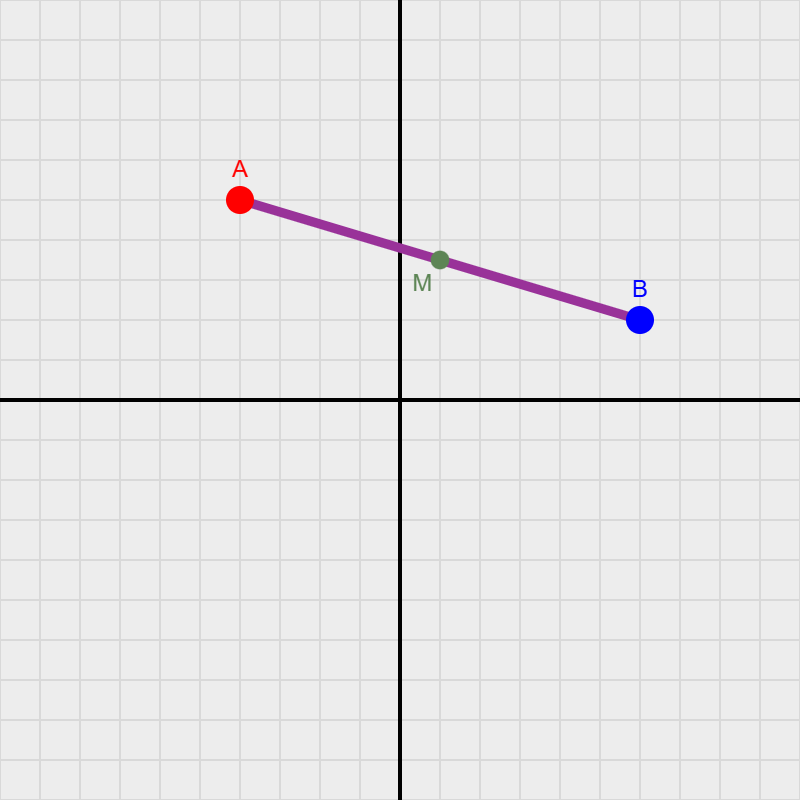
Draw and manipulate line segments with customizable colors, thickness, and positions. Leverage their attributes in designs, and let them breathe and rotate.

➤ SWArrow Class
Draw and animate directed arrows with a styled shaft and customizable arrowhead. Control tip angle, barb length, color, and thickness — and let them breathe and spin.

🌈 SWGradient Class
Create and manipulate gradients with customizable colors, directions, and transitions.

🔺 SWTriangle Class
Create triangles and manipulate their attributes with customizable colors, thickness, and positions. Not surprisingly, they too can breathe and rotate.

▭ SWRectangle Class
Control a rectangle's dimensions with a sine wave! Change the frequency, and watch the rectangle breathe! Enable breathing and rotation. Be on the lookout for the 'golden rectangle'!

▪ SWSquare Class
A square is a rectangle where every side is equal. SWSquare extends SWRectangle with a single size parameter, adding handy geometric properties like diagonal, inscribed circle radius, and the fun toRhombus() transform.

🏁 SWTwoTonedSquare Class
This SWClass uses a SWSquare for a base, then allows a user to specify a parameter (1-4) that controls the two-toned pattern which can use primitive rectangles, squares or triangles. This shape allows you to make some interesting optical illusions!

⬭ SWEllipse Class
An ellipse defined by a center point and two independent radii. SWEllipse supports four breathing modes, free rotation via p5's push/pop pattern, and exposes geometric properties like eccentricity, focalDistance, and isCircle.

⬡ SWKite Class
The general kite quadrilateral — a standalone base class with two independent vertical half-diagonals (diagTop and diagBottom) creating two pairs of adjacent equal sides. SWDiamond extends SWKite as the special symmetric case where all four sides are equal.

◇ SWDiamond Class
A rhombus (diamond) that extends SWKite — the special case where diagTop equals diagBottom, making all four sides equal. Adds sideLength, aspectRatio, and isSquare while inheriting all drawing, breathing, rotation, and drag from SWKite.

⬜ SWRoundedRectangle Class
Extends SWRectangle with smoothly rounded corners via p5's native rect() corner-radius support. Inherits all breathing modes and rotation animation. The cornerRadius property is in user units and scales automatically with the grid.

🏳️ SWFlag Class
A flag-shaped composite of n SWRoundedRectangle stripes. Supports breathing animations, rotation, and customizable colors, gaps, and corner radii.

⬡ SWRegularPolygon Class
A regular n-sided polygon (triangle → dodecagon) defined by a center point, circumradius, and number of sides. Supports sharp-corner and Catmull-Rom rounded-corner drawing modes. Breathing scales the circumradius uniformly. Exposes apothem, sideLength, interior and exterior angles.

⌂ SWPolygon Class
A polygon with an arbitrary number of sides, defined by a set of vertices. Supports SWPoint placement (with draggability and snap-to-grid adjustments), scaling, translations, and rotations.

★ SWStar Class
A regular n-pointed star defined by a center point, outer circumradius (tip reach), and inner radius (valley depth). Outer and inner radii breathe independently via separate SWSinusoid objects — tips and valleys can pulse at completely different rates. Tip rounding uses quadratic-bezier chamfering on outer vertices only.

🐝 SWBug Class
An SWBug is a SWPoint. Why a bug? Because it has additional behaviors and properties that extend the basic SWPoint functionality: it can move erratically or with Perlin noise and mimic the behavior of a real bug as it crawls (or flys) around the screen. We can use it as a locator point for other objects in the future!
🅰️ SWCharacter Class
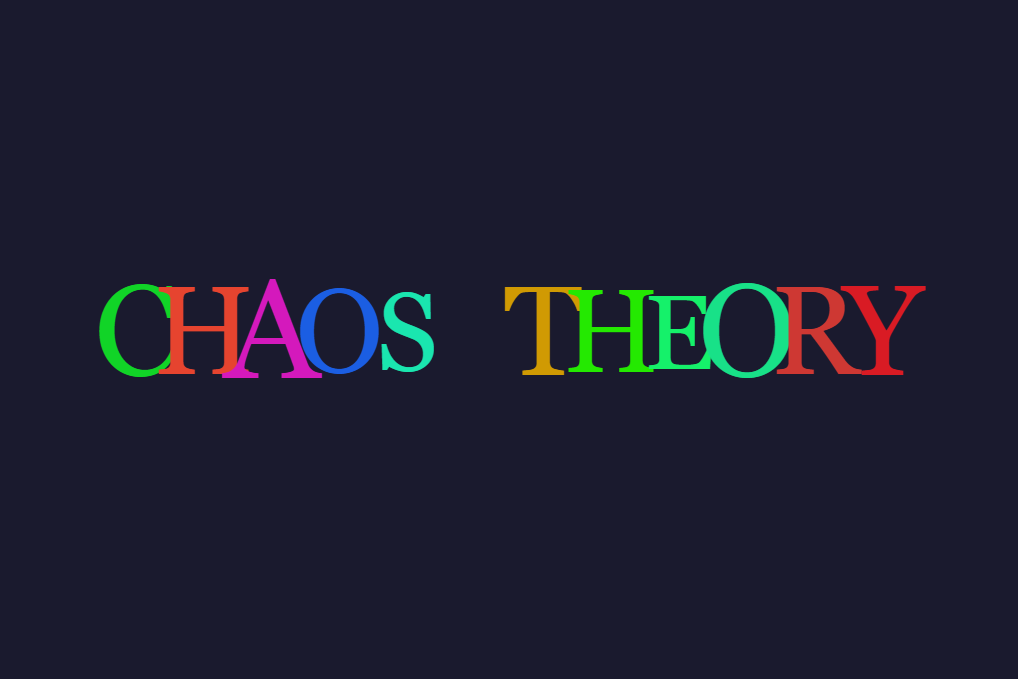
This 'shape' has a lot of 'character!' We use it to animate symbols and text in creative ways. A SWCharacter has a SWBug instance that locates it in a canvas, and enables it to move and interact dynamically with its environment.

👁️ SWEyeball Class
A fully interactive eyeball built from sclera, iris/pupil, and dual glint highlights. The pupil is draggable and constrained to stay inside the sclera at all times. Use setPupilOffset() with polar coordinates to aim the gaze programmatically — perfect for animating a character that looks around a scene.
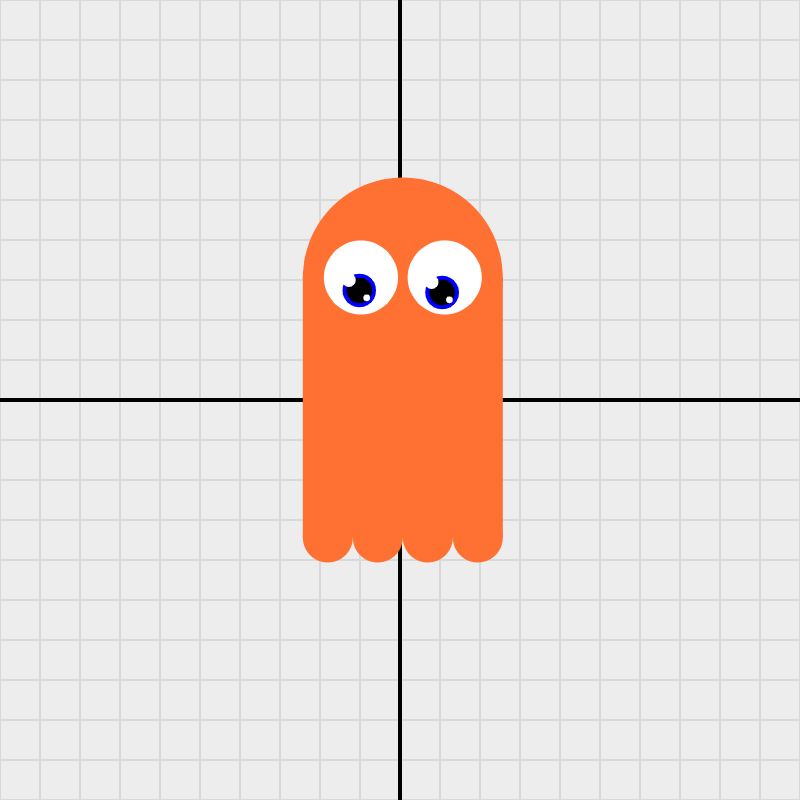
👻 SWGhost Class
A composite ghost silhouette built from a rounded head disk, a rectangular body, and a configurable row of toe bumps. The whole shape is draggable as a single unit. Animate it with stretching() — a sinusoidal body-height oscillation that keeps the head fixed while the body and toes bob up and down. Attach SWEyeball instances to bring it to life!

🛞 SWWheel Class
A wagon-wheel shape built from three components: a filled hub (SWDisk), an outlined rim (SWDisk), and an array of spokes (SWLine). The wheel can spin at a given angular velocity via rotate(), and the rim can breathe (pulse in and out) via breathe() using a SWSinusoid. Claude developed this class quickly using basic SketchWave classes. His chatlog shows how.
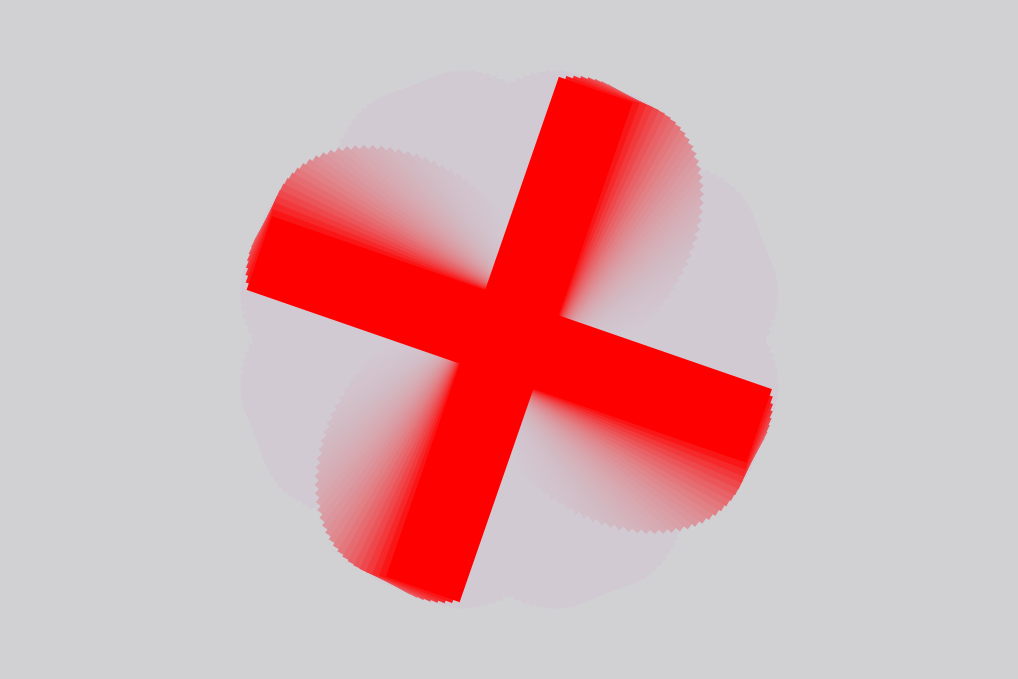
🚑 SWCross Class
SWCross extends SWWheel as a locked-down plus-sign shape: always 4 arms, no visible rim, no visible hub. An initialRotation parameter pre-tilts the arms to any starting angle before animation begins. rotate() bakes that offset in so the spin always starts from the right position, and reset() returns to initialRotation rather than zero. Arm thickness, length, color, and cap style are all customizable.
Explore the SWWheel Saga to see how this shape was used to make multiple optical illusions.

🌉 SWArch Class
A parabolic arch defined by the quadratic y = ax² centered at the vertex. The sign of a sets orientation: a < 0 gives a rainbow arch (∩, vertex is the peak) while a > 0 gives a bowl (∪, vertex is the low point). xLeft and xRight set how far the arch extends on each side of the vertex independently — make them unequal for an asymmetric arch.
Rotate the arch about its vertex, spin it continuously, breathe the curvature (oscillate a via SWSinusoid), or breathe the base (oscillate xLeft & xRight) to open and close the arch like a pair of wings.

🌀 SWSpiral Class
An Archimedean spiral defined by the polar equation r = k·θ⁄π, where k controls arm spacing: after each full turn the arms are 2k units apart. Set the number of revolutions and choose CW or CCW winding. Watch it spin with rotate() or breathe as k oscillates sinusoidally, expanding and contracting the arms in real time.

❤️ SWHeart Class
A parametric heart curve defined by x = a·sin³(t) and y = b·cos(t) + c·cos(2t) + d·cos(3t) + e·cos(4t). Five independent coefficients let you sculpt the width, lobe height, cleft depth, tip sharpness, and fine detail. Watch it spin with rotate() or beat as scale oscillates sinusoidally at a configurable BPM.

〰️ SWLissajous Class
A parametric class for Lissajous figures — closed curves defined by x = ampX·sin(freqX·t + φ) and y = ampY·sin(freqY·t). Adjust integer frequency ratios, amplitudes, and phase to explore circles, figure-8s, and complex braided forms. Animate with rotate() to spin or use the unique driftPhase() to smoothly morph the figure through all its configurations.
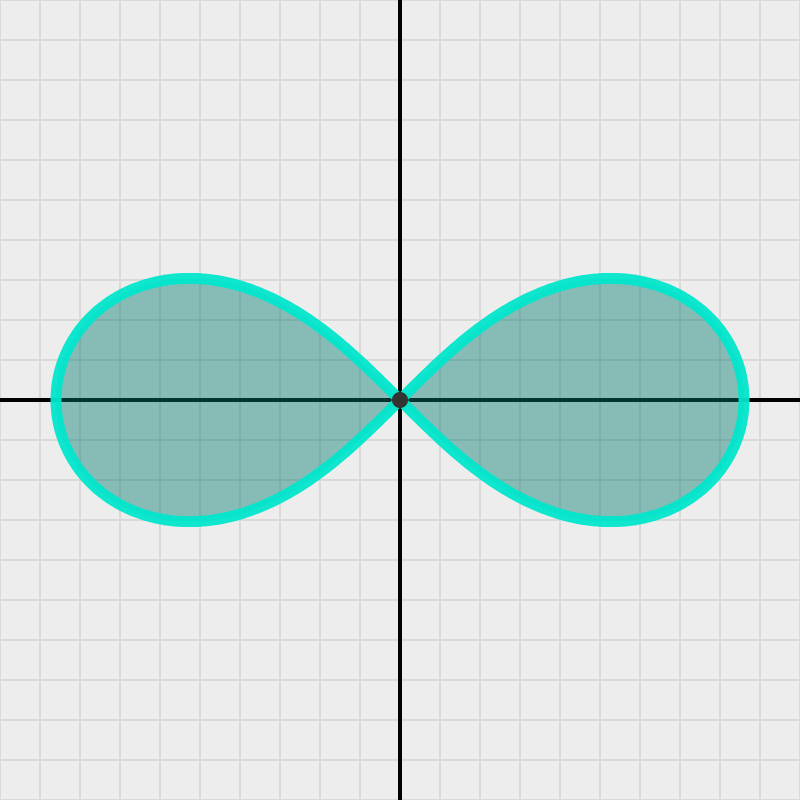
∞ SWFigure8 Class
A parametric class for the lemniscate of Bernoulli — the figure‑8 / infinity‑symbol curve defined by the polar equation r² = a²·cos(2θ). Trace both lobes in one smooth pass, control scale and rotation, animate with rotate() (spin) or the Pulse feature (sinusoidal scale oscillation). Combine with low background opacity for glowing motion trail effects.

✦ SWSpire Class
A parametric class for the Lamé super-ellipse spire — defined by x(t) = rx·cosp(t), y(t) = ry·sinp(t). With odd integer p ≥ 3 and ry > rx, the shape resembles a Gothic cathedral pinnacle with four sharp cusps. Animate with rotate() (spin) or the unique Morph feature (sinusoidal power oscillation), which morphs continuously between ellipse and star forms.
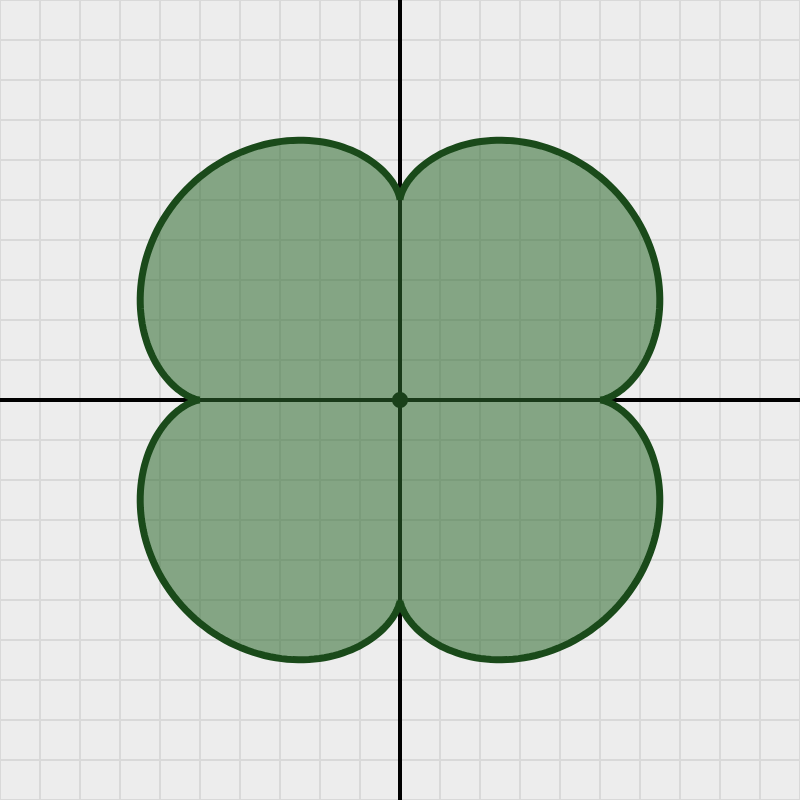
☘ SWClover Class
A parametric class for epicycloid clover curves — defined by x(t) = a·(n·cos(t)−cos(n·t)), y(t) = a·(n·sin(t)−sin(n·t)) where n = numPetals+1. Use numPetals=3 for a three-lobed club ♣, numPetals=4 for a classic four-leaf clover ☘, or higher values for multi-petal rosettes. Features rotate() (spin) and sinusoidal Breathe animation (radius oscillation).

♣ SWClub Class
Draws the classic playing-card club symbol (♣) as a composite of two shapes. The body is a SWClover epicycloid parametric curve with numPetals = 3 and a 270° rotation offset, so the top lobe always points up and the shape is symmetric about the y-axis. The stem was initially three overlapping SWDisk circles plus a trapezoid; the final version replaces the whole assembly with a single SWSpire (halfShape=true) for a clean, elegantly pointed arch. Stem position is computed each frame from the lower-cusp midpoint, keeping it correctly attached during Breathe (radius oscillation) and rotate() spin animations.

♠ SWSpade Class
Draws the classic playing-card spade symbol (♠) as a composite of two shapes. The body is a trigonometric parametric heart curve with the y-component negated, so the sharp tip points up and the rounded lobes fall to the bottom — the same inversion used in the original v0 design. The stem was initially a simple trapezoid; the final version replaces it with a SWSpire (halfShape=true) for a smooth, elegantly pointed arch. Stem position is computed each frame from the body's minimum y, keeping it correctly attached during Pulse (scale oscillation) and rotate() spin animations. A stemOffset parameter provides fine-grained vertical control.