See the Code at TNT
Every image is two things simultaneously: what the eye sees, and what a browser renders. A bold black poster with white text is also background:#000; color:#fff; font-weight:900; display:flex; flex-direction:column; align-items:center. The surface is the appearance; the structure is the code. The goal of this venue is the transition — the moment when a student stops seeing the picture and starts seeing the layout, typography rules, and box model beneath it.
The challenge is simple and severe: you are given an image. Your job is to reproduce it in a browser using only HTML and CSS — no image files, no JavaScript, no canvas, no library. The only tools are the ones built into every web browser and available in every text file.
This is not a trick question. It is how professional front-end developers work every day. The skill of looking at a design and seeing the code that produces it — pixel-matching a spec from visual reference — is the first skill a junior developer uses on their first day. This venue is that class, built for novices, starting from images simple enough to learn on but rich enough to teach from.
TNT already calls itself a “reverse engineering” site. See the Code is that idea given its own home.
Watch the scene →
No starter code, no template, no hints. The image is all you get — the same situation a front-end developer faces when a designer sends a screenshot and says “build this.” The gap between what you see and what your browser shows is the lesson.
No JavaScript. No image tags. No frameworks. Just the two languages that underlie every webpage ever built — forcing you to learn flexbox, font-weight, border, and the box model from real, immediate need.
Describing what you see in the image to your AI partner exercises all five C.R.A.F.T. elements in one natural prompt: Context (the image), Role (front-end developer), Action (reproduce), Form (HTML file + embedded CSS), Tight constraints (no JavaScript, no images).
Year 1 scope: posters that use font, color, text, and arrangement to communicate. CSS-achievable with foundational skills. The gallery has 8–10 eligible images already. Complexity tiers: Haiku, Sonnet, Epic.
How It Works
Three steps. No starter code. Just the image and your prompt.
Study the image like a developer, not a viewer. What is the background color? What font weight are those headlines — bold or black? Is the text centered? Is there a border? Count the visual layers.
font-family: Anton, sans-serif;text-transform: uppercase;
Write a C.R.A.F.T. prompt that translates what you see into instructions. Context: describe the image. Role: front-end developer. Action: reproduce it. Form: one HTML file. Tight: no images, no JavaScript.
"The background is pure black (#000).The headline uses very heavy weight."
Open your result side-by-side with the original image. Spot the gap — maybe the font is too thin, the spacing is off, the list items aren’t centered. Describe what’s wrong. Iterate until the gap closes.
display: flex;flex-direction: column;
align-items: center;
Image Entries
Each entry is an image. Your job is to build it — without it. 🎵 Haiku 📝 Sonnet 📖 Epic
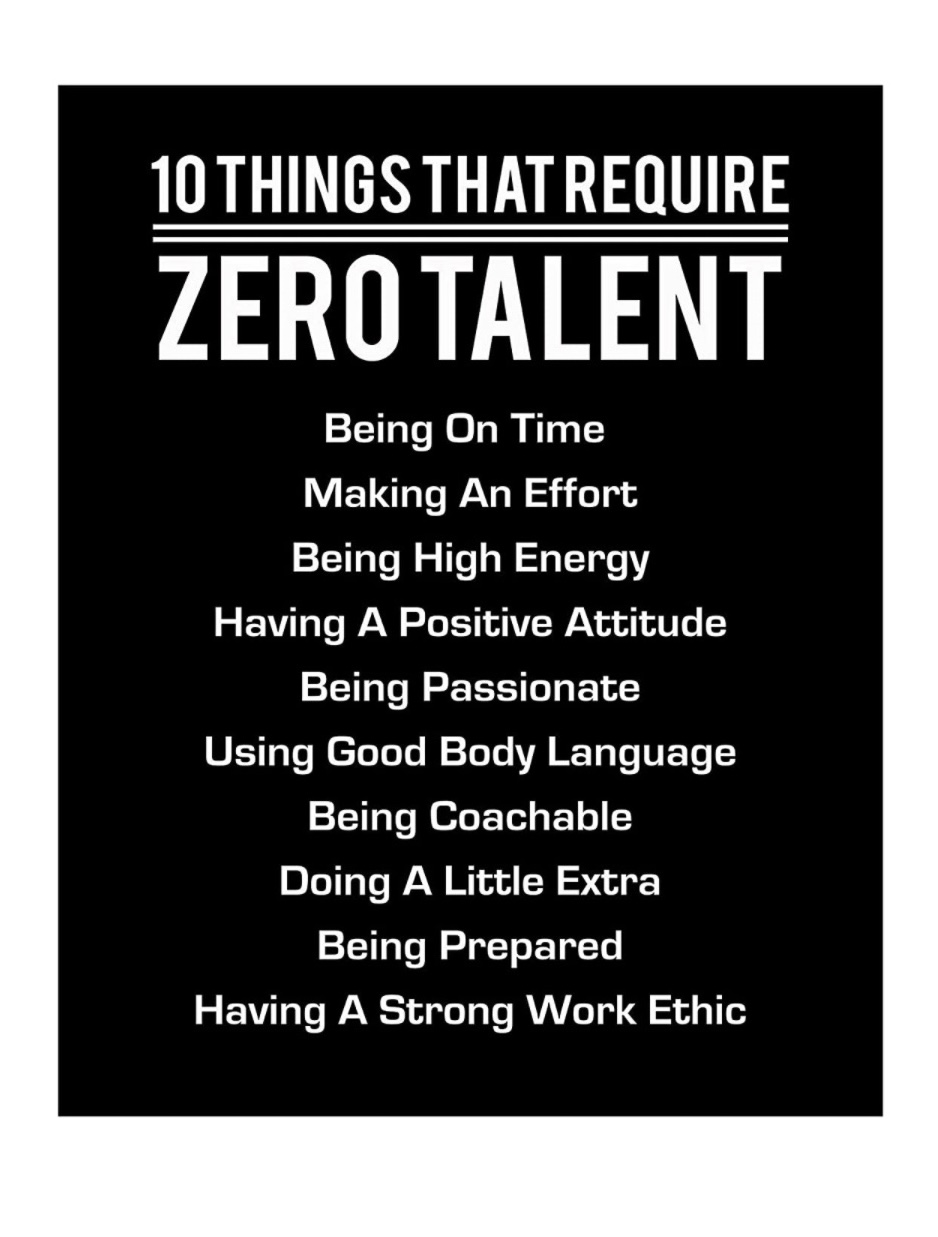
A poster about fonts, built with CSS fonts.
The meta-quality is irresistible.
Words in their own color — the Stroop effect in CSS.
Harder than it looks.
Entries are added from the TNT Image Gallery — teacher-curated, CSS-eligible posters only. More coming as the venue grows.