
Stage 1: This app bombed...
...but that's good!. Crosby, our TNT novice 'bombardier', started with a single-file p5.js sketch that got the job done. It was a first draft, and it shows. The code is tangled, the structure is opaque, and there are magic numbers everywhere. But the bomb works, and that's the point of Stage 1: to have a working sketch that we can improve step-by-step in later stages.
Curious about what Claude would say about this code? Study his (its?!) improvement suggestions for Stage 2.
Open origBomb → Open Laundry List Stage 2 →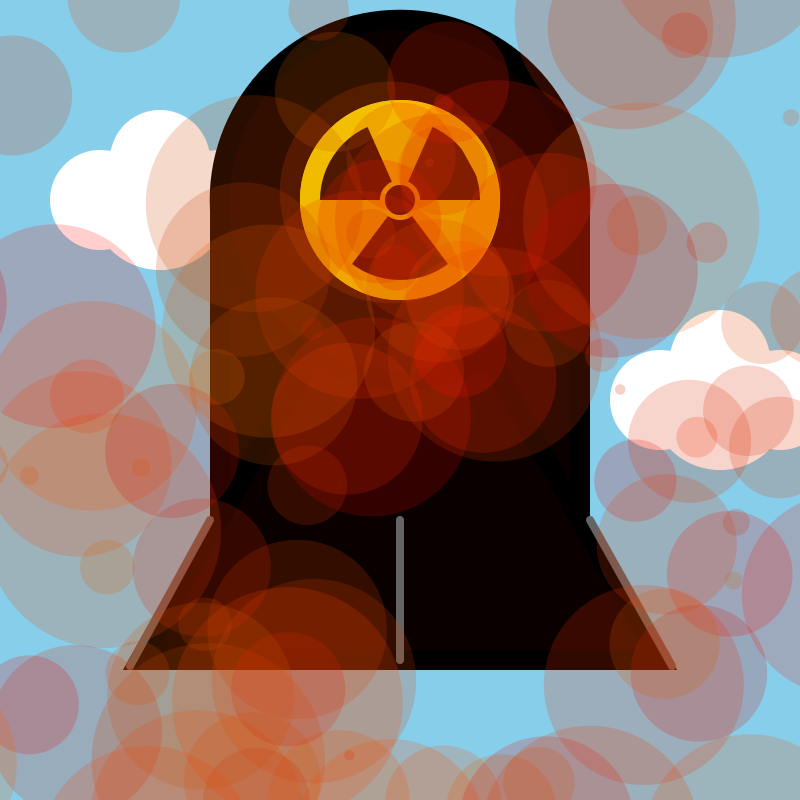
Aside: A Class Primer ~ Classes & the Particle Class
New to classes? This step-by-step tutorial explains what a class is,
why it was the right tool for the explosion animation, and walks
through every line of the Particle class with annotated code
and hands-on experiments.
Stage 2: Refactored!
The visual output is completely identical to Stage 1 — but
everything under the hood has changed. Magic numbers became named constants,
draw() was decomposed into focused helper functions, zombie
variables were removed, and the full ROCKETS checklist was applied.
That discipline has a name: refactoring.
Want to study the source side-by-side with syntax highlighting and one-click copying? Open the Showcase page.
Open bombStg2 → Open Stage 2 Showcase →
Stage 3: The Bomb Goes Away!
For the first time, the behavior changes, not just the code structure. Click the bomb and it disappears — replaced by the explosion sparks. After the sparks fade, a hint prompts you to click again and reset.
The entire mechanic is built on two new programming concepts:
program state (boolean flags that remember what “mode”
the sketch is in) and conditional rendering
(if (bombVisible) { drawBomb(); }).
One if statement. Huge effect.
Stage 4: A Better Color Language!
RGB describes color as light mixing — “how much red, how much green.”
HSB describes color the way humans think about it — “what hue, how vivid,
how bright.” One colorMode() call flips the whole sketch.
The explosion sparks immediately become richer, more natural fire tones,
specified with one number instead of three channel values.
This also bridges directly to SketchWaveJS class integration coming in Stage 5 — SWColor objects speak HSB natively.
Open bombStg4 → Open Stage 4 Showcase →
Stage 5: Meet the SketchWave Classes!
Same bomb — but now built with SketchWaveJS class instances instead of
raw p5 primitives. Every circle is an SWDisk, every line is an
SWLine, and every color is a named SWColor object.
A centered SWGrid provides the design coordinate system.
Press g in the sketch to reveal the grid overlay — see the design space that underlies the artwork.
Open bombStg5 → Open Stage 5 Showcase →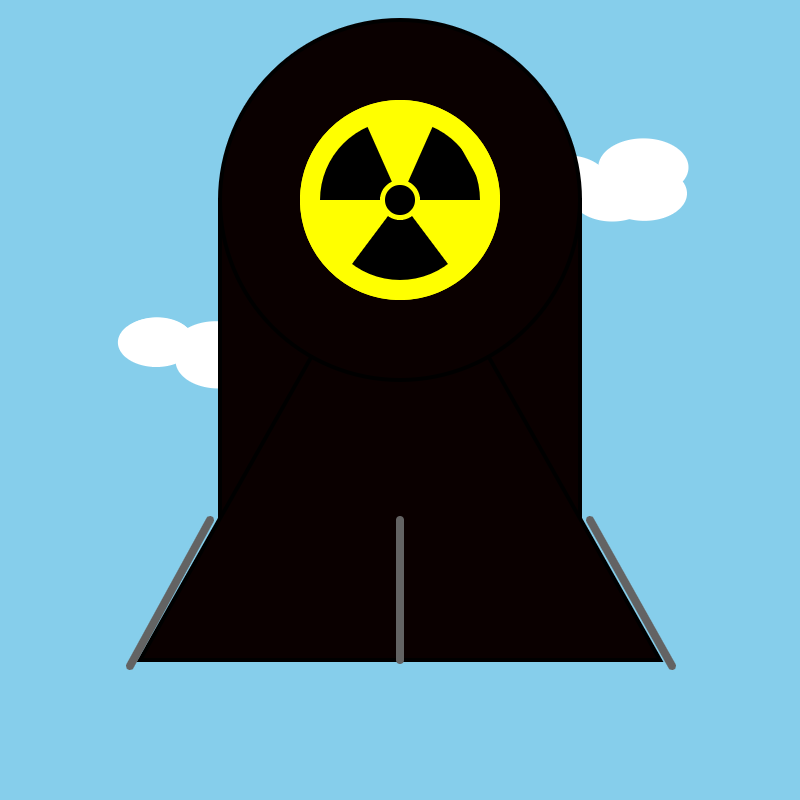
Stage 6: The Clouds Come Alive!
The sky wakes up. Eight static SWDisk puffs —
two hand-placed arrays of four — are replaced by two
SWCloud instances that drift slowly across the sky,
morph organically with Perlin noise, and breathe — puffs
gently growing and shrinking via SWSinusoid.
This is the Particle pattern at a higher level: each cloud is one self-managing object with its own position, speed, and animation state.
Open bombStg6 → Open Stage 6 Showcase →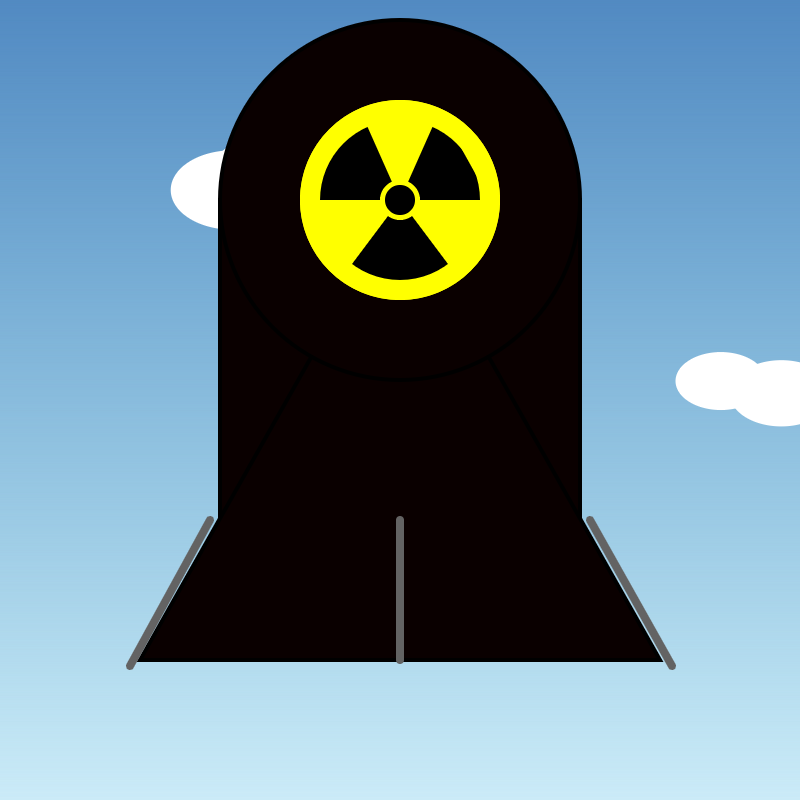
Stage 7: The Page Gets a Glow-Up!
The canvas gets a home. Stage 7 wraps the p5.js sketch in a full HTML layout shell with a header, footer, and dark atmospheric background — the canvas floats like a framed artwork rather than sitting in a bare browser window. CSS finally does real work for the first time in the saga.
Inside the canvas, a SWGradient paints the sky:
deep blue at the zenith, hazy pale blue at the horizon.
Click to detonate — the sky scorches to dark red to
fireball orange. Reset and the peaceful blue sky returns.